
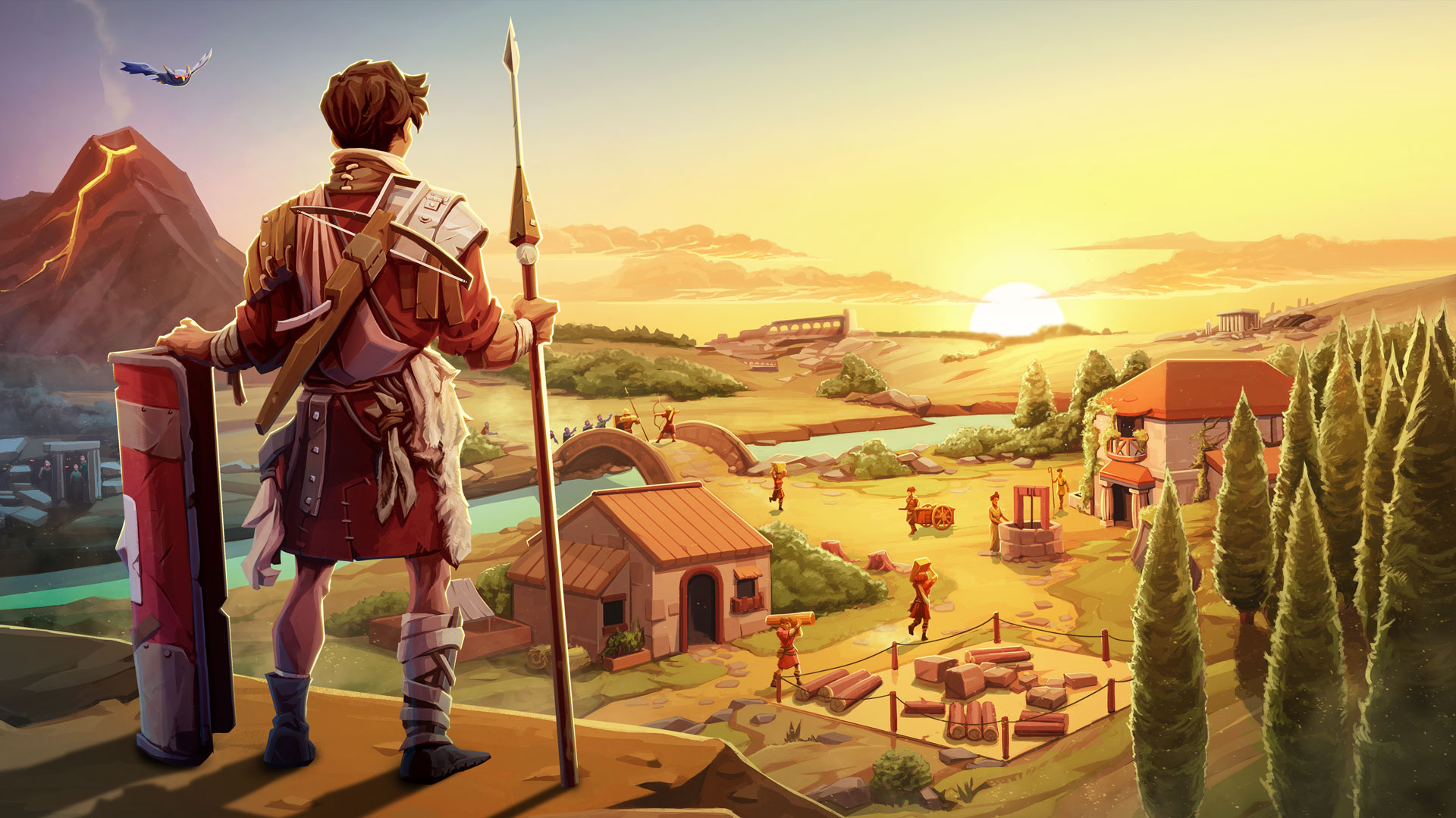
Romestead Server Hosting
Try 2 days free. No credit card required.
Instant setup, mod support, and 24/7 human support. Servers in NA, EU & Asia.
Sign-up form
All our servers come with
-

Mod compatibility
-

Human support
-
Full file access
-

7-day refund policy
-

At least 128gb RAM
-
Simple control panel
You might not care about these too...
Manage Your Server From Discord
Check status, restart servers, and manage your game servers without leaving Discord.
Launch your Romestead server in under 60 seconds
Get started in 3 easy steps
Choose Your Plan
Pick from 25+ supported games. Select your server size based on players.
Pick Location
Choose from data centers across North America, Europe and Asia for lowest ping.
Launch
Jump right in or delve into advanced settings. Your server launches in no time.
Happy indifferent gamer testimonials
Join Our Discord Community
Chat with 17,000+ indifferent gamers, get support, or just lurk. Whatever.

indifferent broccoli
Just wanted to say I really appreciate the timely response to server issues. Excellent service.
Just wanted to say how amazing indifferent broccoli! They are always do their best to accommodate And help everyone. Never knew Such an amazing hosting service could exist!
Ngl I had a really positive experience with Zomboid and same for MC. Although I'm still getting used to the difference for server set up. It's been really easy to do and fast as well. The performance of the server even was really good although we were using the Lost Cities mod (which is a fairly tanky mod). 10/10 Host.
Our server is loving your host service so far. It feels like I have the freedoms of a home-based server with the stability and security of a hosted server. At a price that you can't beat. Thank you for what yall do
Game Servers Around the Globe
Deploy servers all over the indifferent world.
North America
San Jose, Dallas, Salt Lake City, Washington DC, Montreal
Europe
Frankfurt, Roubaix, Amsterdam
Asia
Singapore, India
Why host Romestead with a broccoli?
Building and surviving in Romestead is more fun when your server just works. indifferent broccoli gives you reliable hardware and helpful support so your world stays online and smooth.
Our control panel is simple, and if you prefer Discord, we have a bot for that too. You can manage files directly, tweak your settings, and get back to playing quickly.
Worried about trusting an indifferent vegetable with your Romestead server? Check out the reviews our customers have written on Trustpilot.
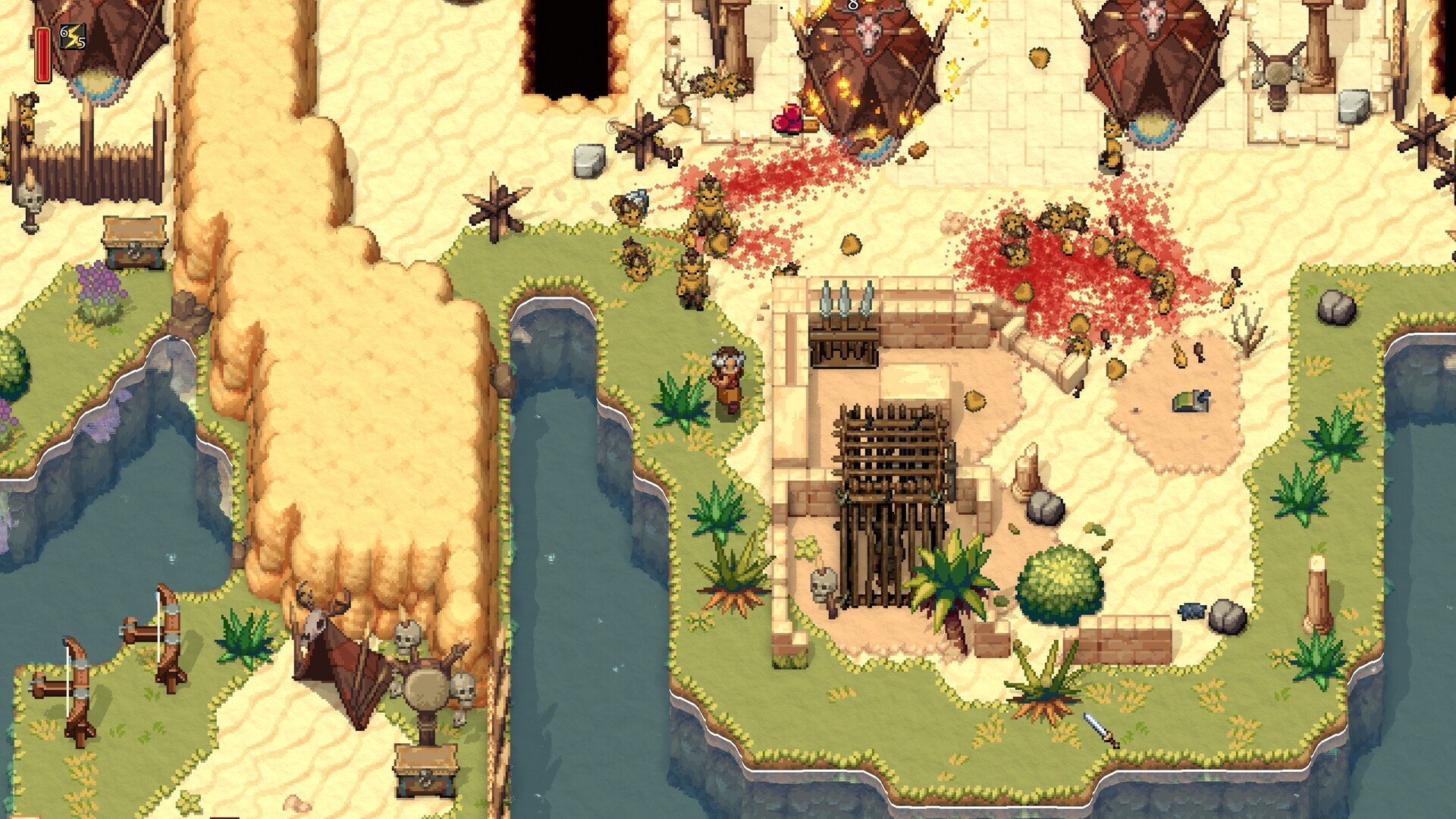
Guides from our broccolipedia
See allRomestead
Co-op survival and base-building
Romestead is a multiplayer survival game where your group gathers resources, builds up your settlement, and defends what you've made. Hosting your own server gives you full control over progression and playstyle.
Persistent worlds, online 24/7
Keep your world online even when no one is playing. Invite friends, set your rules, and jump in whenever you want without waiting for a host.
Frequently asked questions
How do I set up a Romestead dedicated server?
With indifferent broccoli
Running your Romestead server is simple.
- Enter your email and password
- Select your plan size and region
- Press the 'Launch 2-Day Free Trial' button
- Your server boots with ready-to-edit settings
- Enjoy your new server
Without indifferent broccoli
Running a Romestead dedicated server is manageable, but you will need to install and maintain it yourself.
System Requirements
For small groups, plan for at least 4GB RAM, a modern dual-core CPU, and 10GB+ free storage. Larger player counts and long-running worlds benefit from more RAM and faster storage.
Installation (SteamCMD)
Romestead dedicated server app id is 4763510.
Linux:
steamcmd +force_install_dir ./romestead_server/ +login anonymous +app_update 4763510 validate +quit
Windows:
steamcmd.exe +force_install_dir c:\SteamCMD\romestead_server\ +login anonymous +app_update 4763510 validate +quit
Configuration
Create or edit config.json in the server directory to set world startup behavior, password, port, max players, and cheats.
Port Forwarding
Forward UDP 8050 from your router/firewall to the machine hosting the server.
Starting the Server
Linux:
dotnet Server.dll
Windows:
dotnet Server.dll