

Rust Server Hosting
Try 2 days free. No credit card required.
Instant setup, mod support, and 24/7 human support. Servers in NA, EU & Asia.
Sign-up form
All our servers come with
-

Mod compatibility
-

Human support
-

Full file access
-

7-day refund policy
-

At least 128gb RAM
-

Simple control panel
You might not care about these too...
Manage Your Server From Discord
Check status, restart servers, and manage your game servers without leaving Discord.
Launch your Rust server in under 60 seconds
Get started in 3 easy steps
Choose Your Plan
Pick from 25+ supported games. Select your server size based on players.
Pick Location
Choose from data centers across North America, Europe and Asia for lowest ping.
Launch
Jump right in or delve into advanced settings. Your server launches in no time.
Happy indifferent gamer testimonials
Join Our Discord Community
Chat with 17,000+ indifferent gamers, get support, or just lurk. Whatever.

indifferent broccoli
Just wanted to say I really appreciate the timely response to server issues. Excellent service.
Just wanted to say how amazing indifferent broccoli! They are always do their best to accommodate And help everyone. Never knew Such an amazing hosting service could exist!
Ngl I had a really positive experience with Zomboid and same for MC. Although I'm still getting used to the difference for server set up. It's been really easy to do and fast as well. The performance of the server even was really good although we were using the Lost Cities mod (which is a fairly tanky mod). 10/10 Host.
Our server is loving your host service so far. It feels like I have the freedoms of a home-based server with the stability and security of a hosted server. At a price that you can't beat. Thank you for what yall do
Game Servers Around the Globe
Deploy servers all over the indifferent world.
North America
San Jose, Dallas, Salt Lake City, Washington DC, Montreal
Europe
Frankfurt, Roubaix, Amsterdam
Asia
Singapore, India
Why host Rust with a broccoli?
At indifferent broccoli, we believe hosting your Rust server shouldn't be a chore. That's why we offer powerful hardware and helpful support to ensure a smooth gaming experience with your friends.
Our user-friendly control panel makes it easy to customize your settings and install mods. Plus, our network is designed to deliver fast and reliable performance, so you can enjoy Rust the way it was meant to be played.
But, let's be honest, we don't really care if you choose us or not. We're just here to offer hassle-free hosting for those who want it. If you want a reliable and easy Rust server hosting experience, give us a try. If not, well, that's cool too. We'll just be here, chillin' and reading our great reviews on Trustpilot.
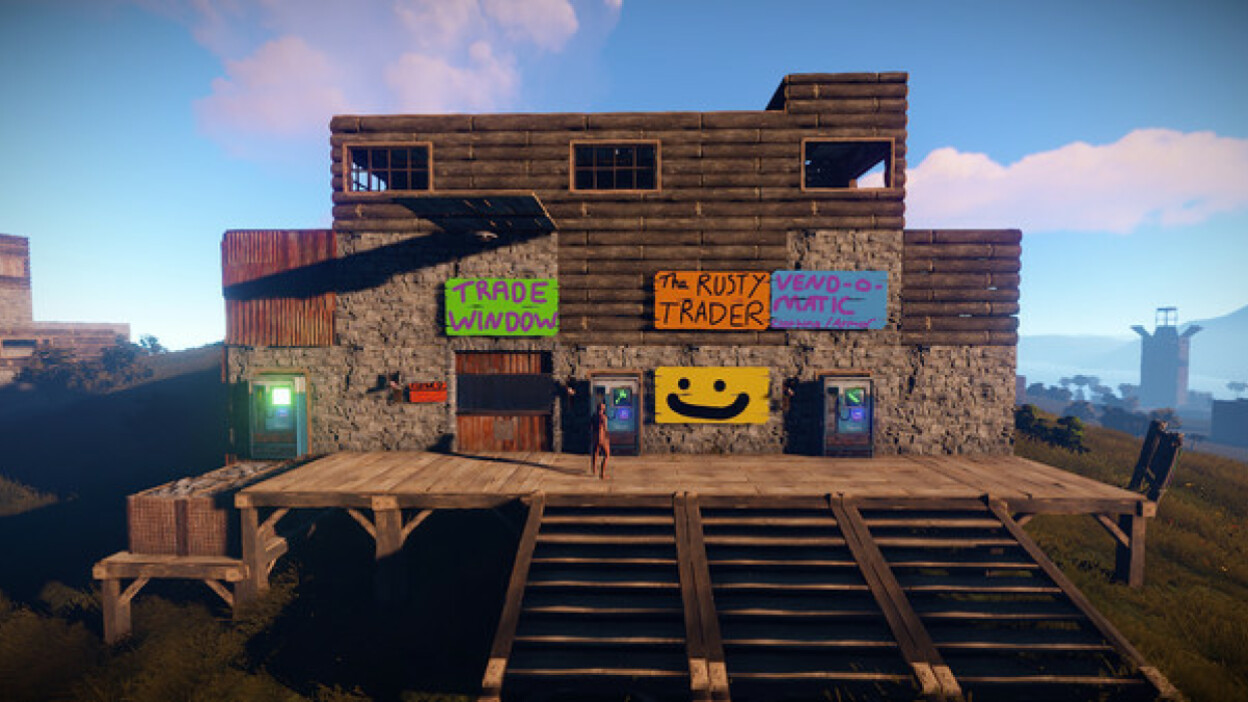
Guides from our broccolipedia
See all-
How to Set Up Oxide and Install Plugins on Your Rust Server
Want to make the game a bit different? Learn how to install plugins with this guide.
-
How to Run Commands and Grant Admin Privileges Using Oxide
If you are using oxide to use plugins, you'll want to configure permissions and run commands.
-
How to Change the Banner Image on Your Rust Server
Want to spice up your server's looks? Learn how to change the banner image here.
How do I set up a Rust dedicated server?
With indifferent broccoli
Running your Rust server is simple.
- Enter your email and password
- Select your plan size and region
- Press the 'Launch 2-Day Free Trial' button
- Enjoy your new server
Without indifferent broccoli
Running a Rust dedicated server is... complicated.
System Requirements
To run a Rust dedicated server, you'll want a system with at least 4GB of RAM and a quad-core processor. The operating system should be Linux (Ubuntu 16.04+), Windows 7/8/10 (64-bit), or Windows Server 2012-2022. Modded servers will require even more processing power.
Installation
You can install the server from Facepunch's website or use SteamCMD. Linux requires a tool called linuxgsm.
For Linux:
wget -O linuxgsm.sh https://linuxgsm.sh && chmod +x linuxgsm.sh && bash linuxgsm.sh rustserver && ./rustserver install
For Windows:
steamcmd.exe +force_install_dir C:\path\to\rustserver\ +login anonymous +app_update 258550 +quit
You'll need to forward UDP Ports 28015 and 28016
Rust parameters can be editing in the .bat file on Windows and rustserver.cfg using linuxgsm.
Starting the server
If you are using Facepunch's quick install zip file from their website, you simply need to run the Run_DS.bat file.
You can also run the server by using command line in the server's directory on Windows, and using the specified command on Linux:
Windows:
rust_server.exe -batchmode
Linux:
./RustDedicated -batchmode